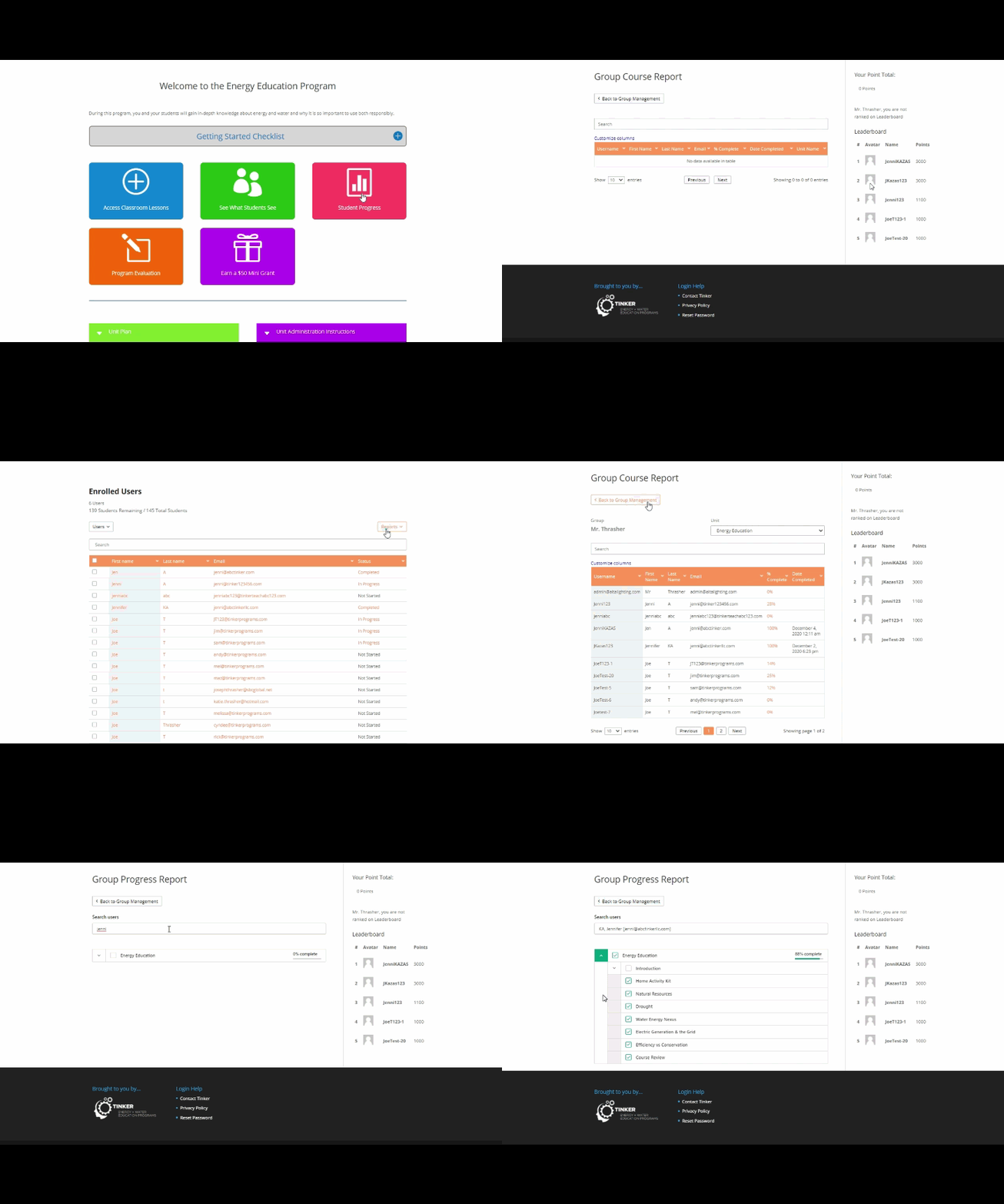
1. Provide students with the unique Student Enrollment Code provided in your registration email and above. This code associates you with your students. Do not share with other teachers.
2. Direct students to https://willmar.tinkerteach.org and click Students Register.
3. Confirm each student successfully enrolled in your online teacher portal.
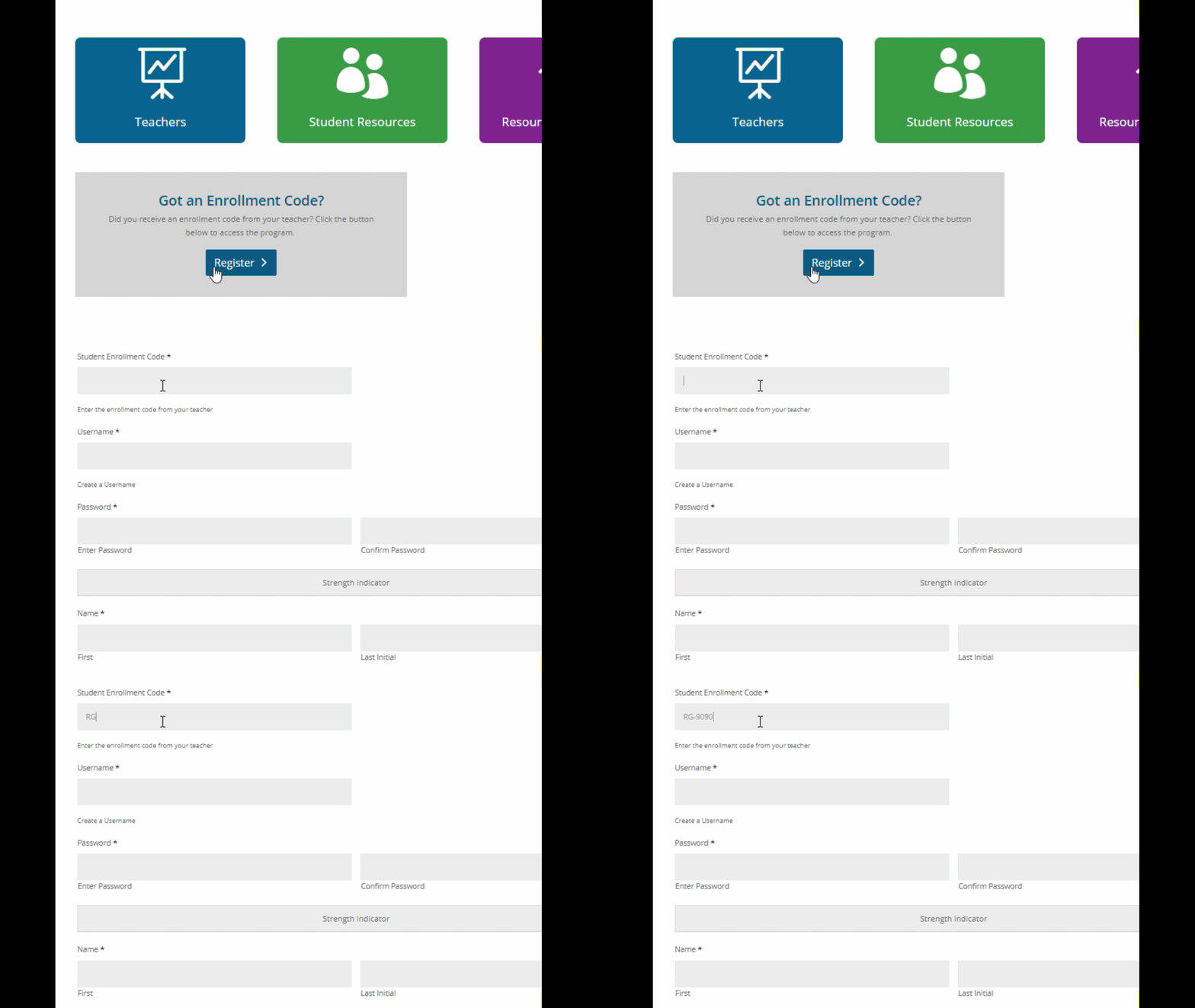
1. From the Student Portal, direct students to the Introduction.
2. Navigate to the Preprogram assessment.
3. Confirm each student successfully completed the Preprogram assessment.

This unit can is designed to be used for traditional learning as well as distance learning. Follow the steps below to administer for distance learning:
Assign Lessons. After registration ask students to navigate to the Lessons button.